Viewing Contacts
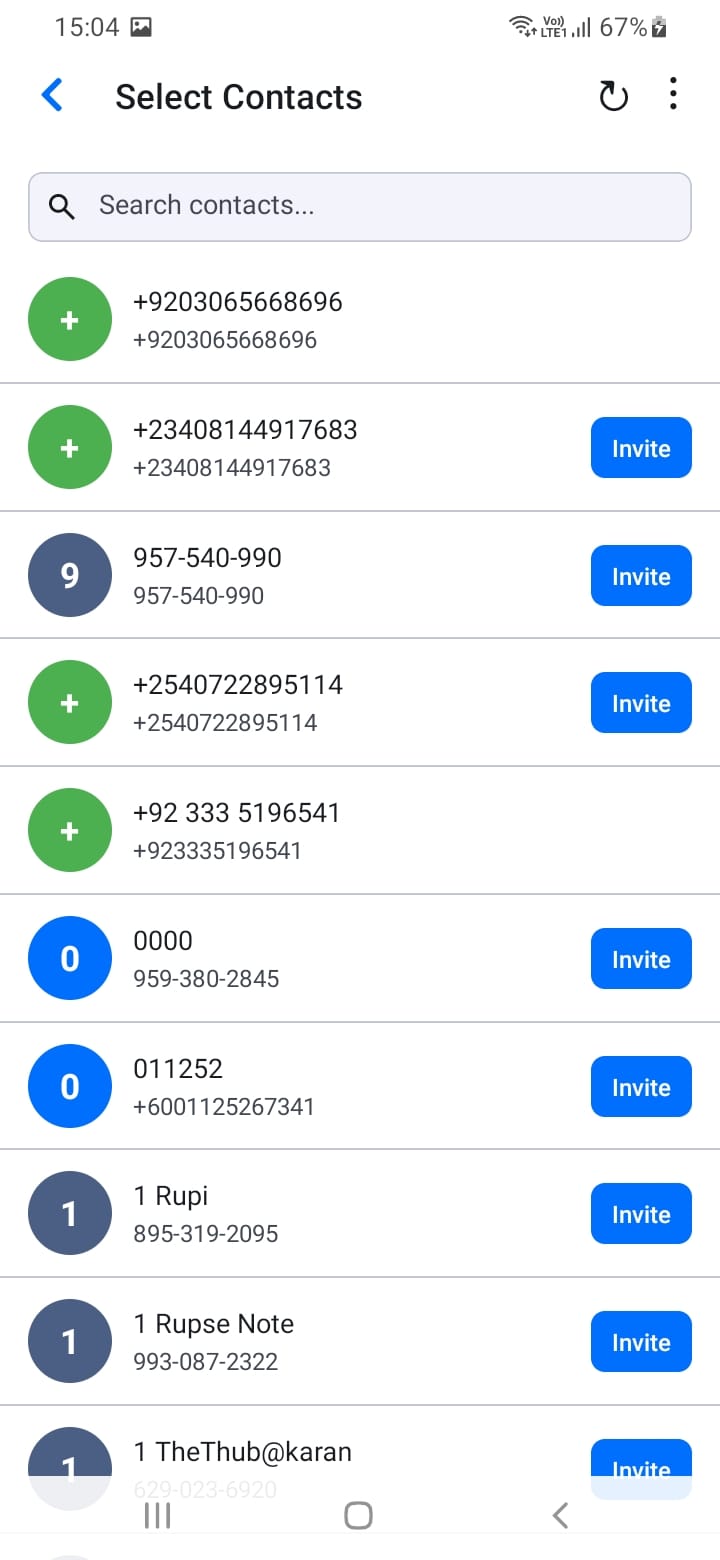
Access your contacts list from the menu. You'll see:
- All imported contacts
- Registered contacts (highlighted or marked)
- Contact names and phone numbers
- Store names (for registered contacts)
When you tap a registered contact, if a chat channel already exists, you'll be taken to that conversation. If no channel exists, a new chat will be created automatically.
Use the search functionality to quickly find customers by name or phone number.
[Screenshot: Contacts list]
[Screenshot: Contact detail with chat option]
[Screenshot: Contact search]