Managing Customer Groups
From the customer groups list, you can:
- View all groups
- Tap a group to view and edit details
- Add or remove customers from groups
- Update pricing rules
- Delete groups (if no longer needed)
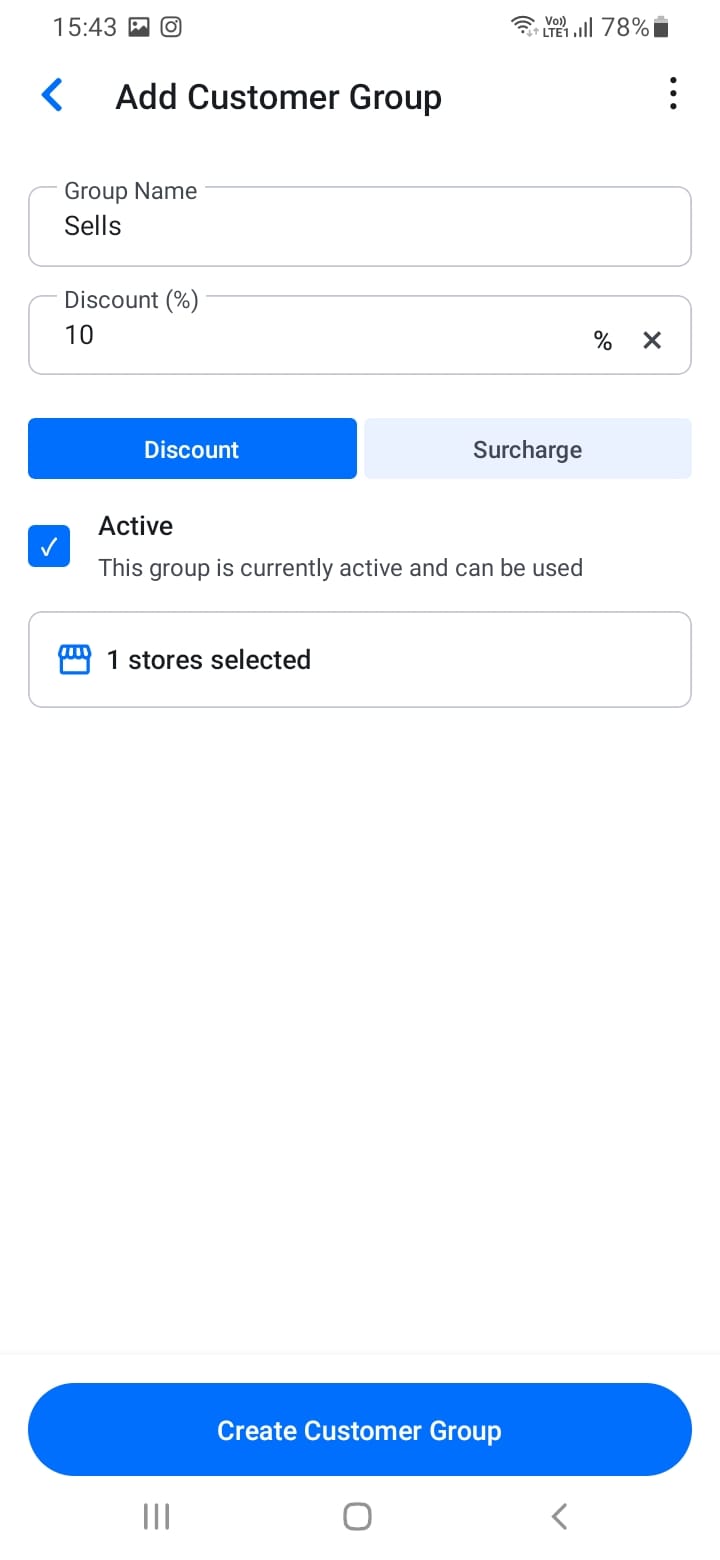
When you create quotations or orders for customers in a group, the group pricing is automatically applied. This makes it easier to manage large customer bases and apply consistent pricing rules automatically.
[Screenshot: Customer groups list]
[Screenshot: Edit customer group]
[Screenshot: Group pricing settings]