Login
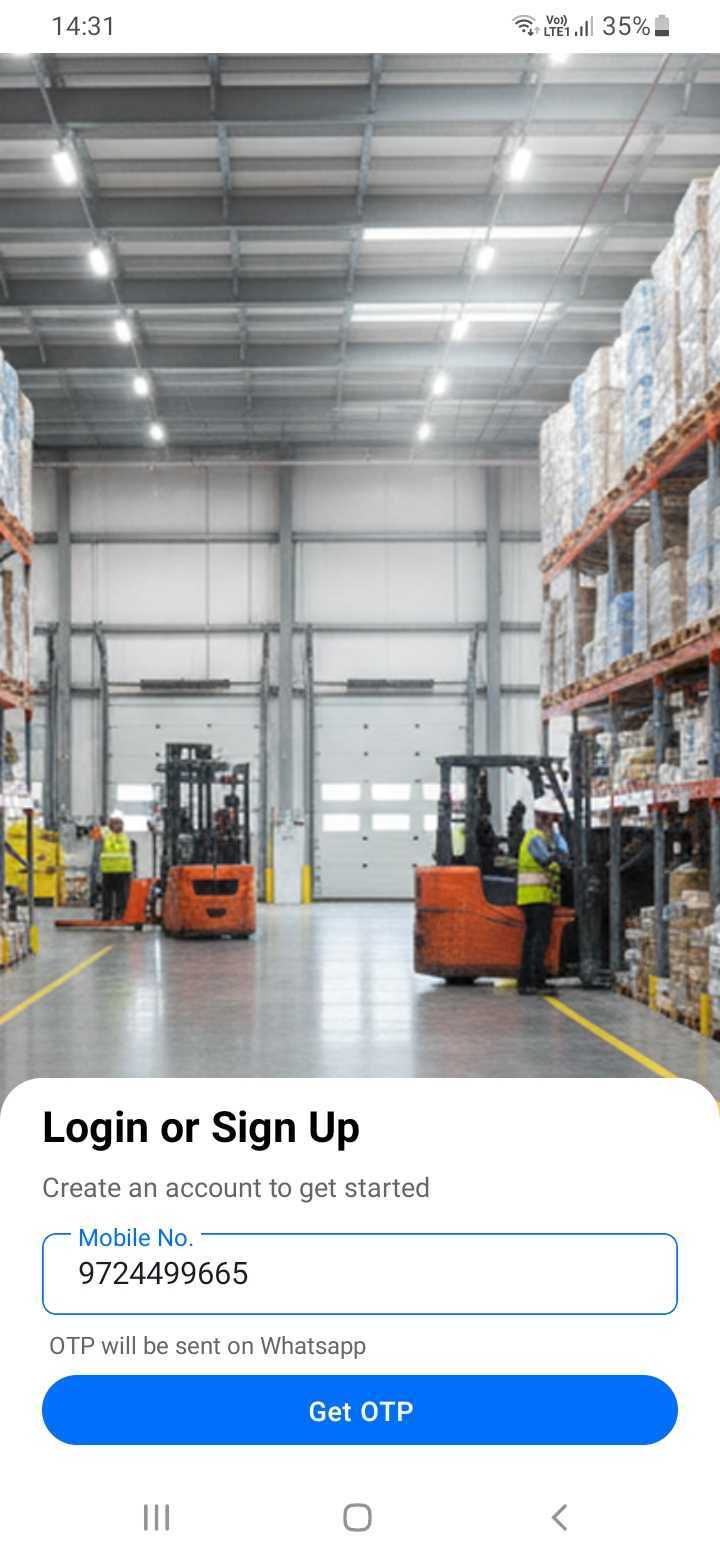
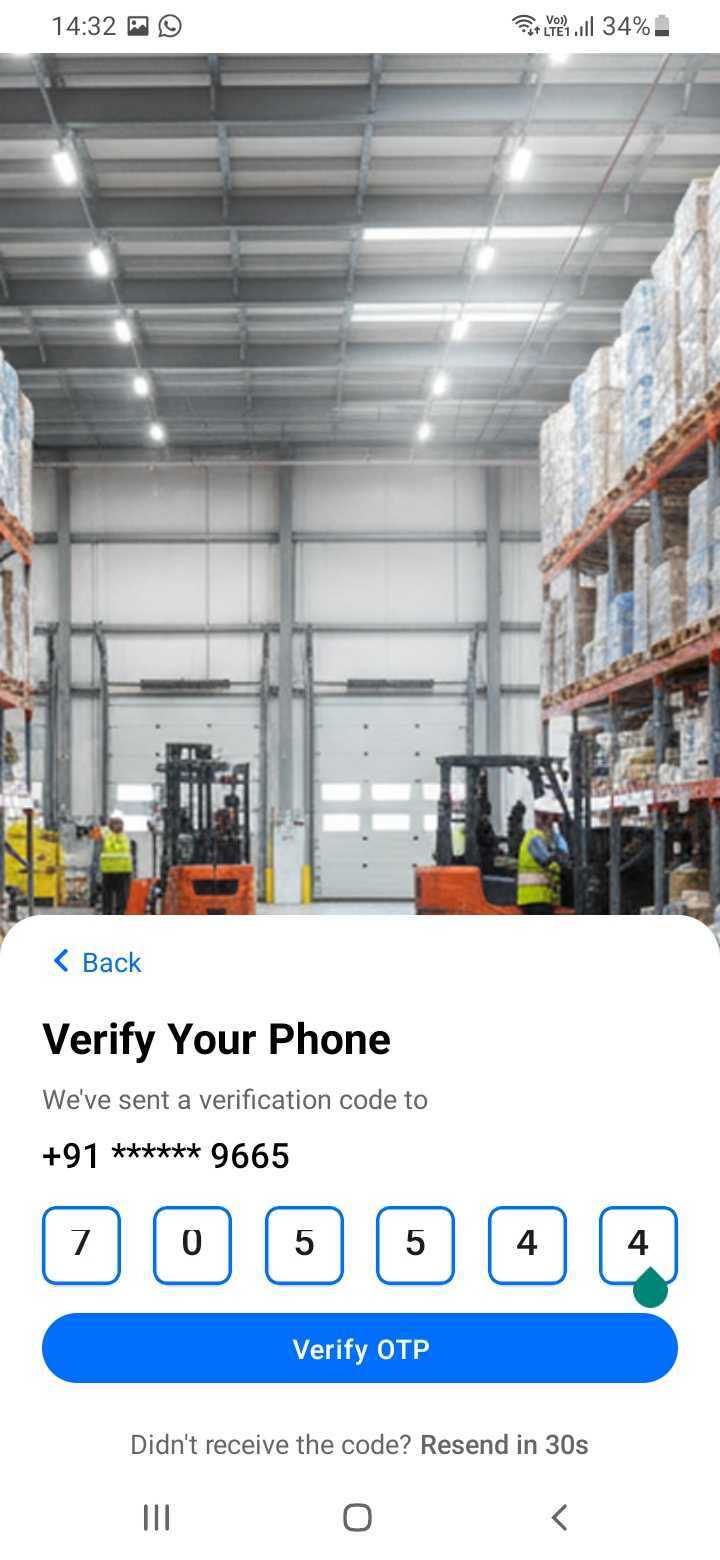
When you first open the SupplyNet app, you'll be prompted to log in using your registered phone number. After entering your phone number, you'll receive an OTP (One-Time Password) via SMS. Enter the OTP to verify your account and gain access to the application.
Make sure you have a stable internet connection and that your phone number is registered with SupplyNet. If you don't receive the OTP, check your SMS messages or request a new OTP.
[Screenshot: Login screen with phone number input]
[Screenshot: OTP verification screen]