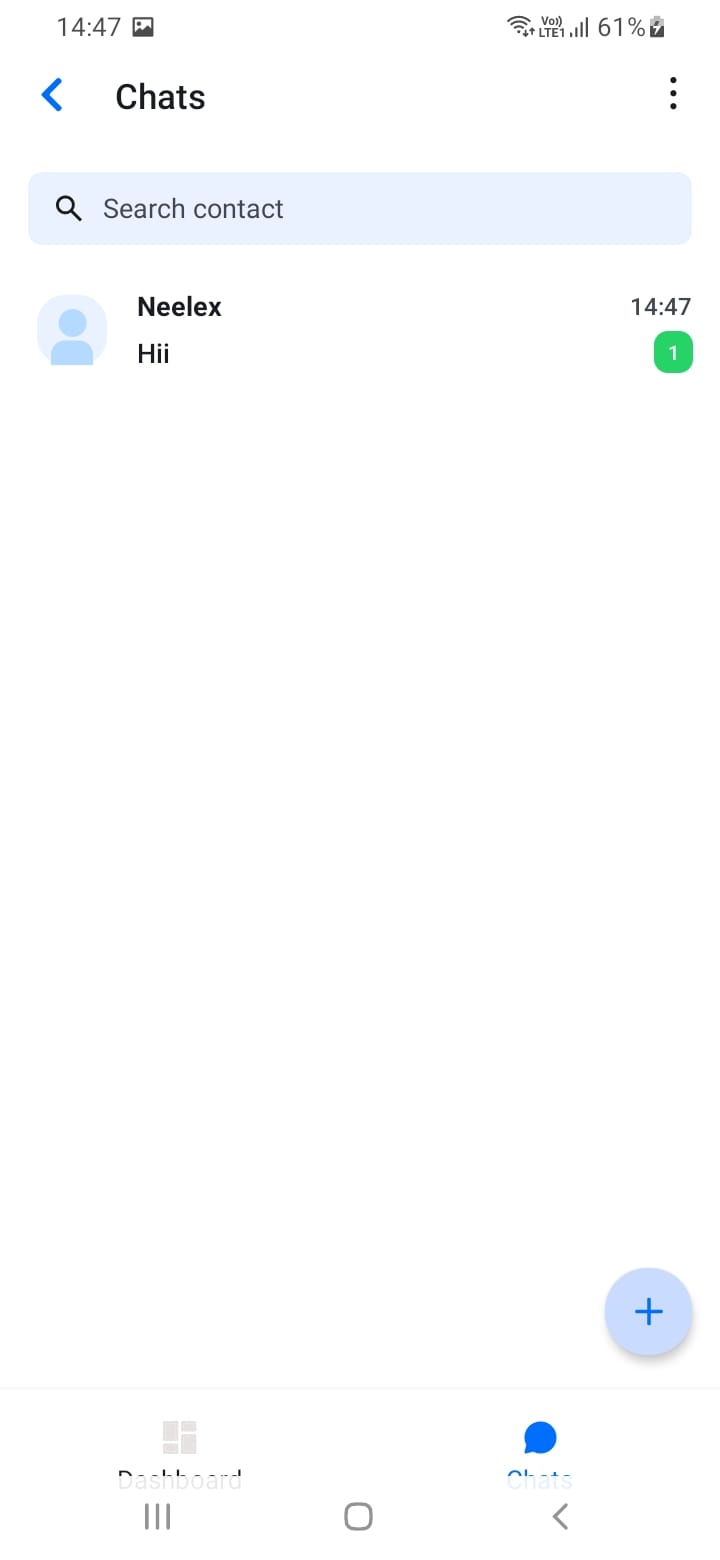
Accessing Chat
You can access chat in two ways:
- Tap the Chat tab in the bottom navigation
- Tap a chat from the Dashboard's recent chats section
The Chat tab shows all your active conversations, sorted by most recent activity. Unread message counts are displayed as a badge on the Chat tab icon and next to each chat in the chat list.
[Screenshot: Chat list screen]
[Screenshot: Unread message badges]