Editing Products
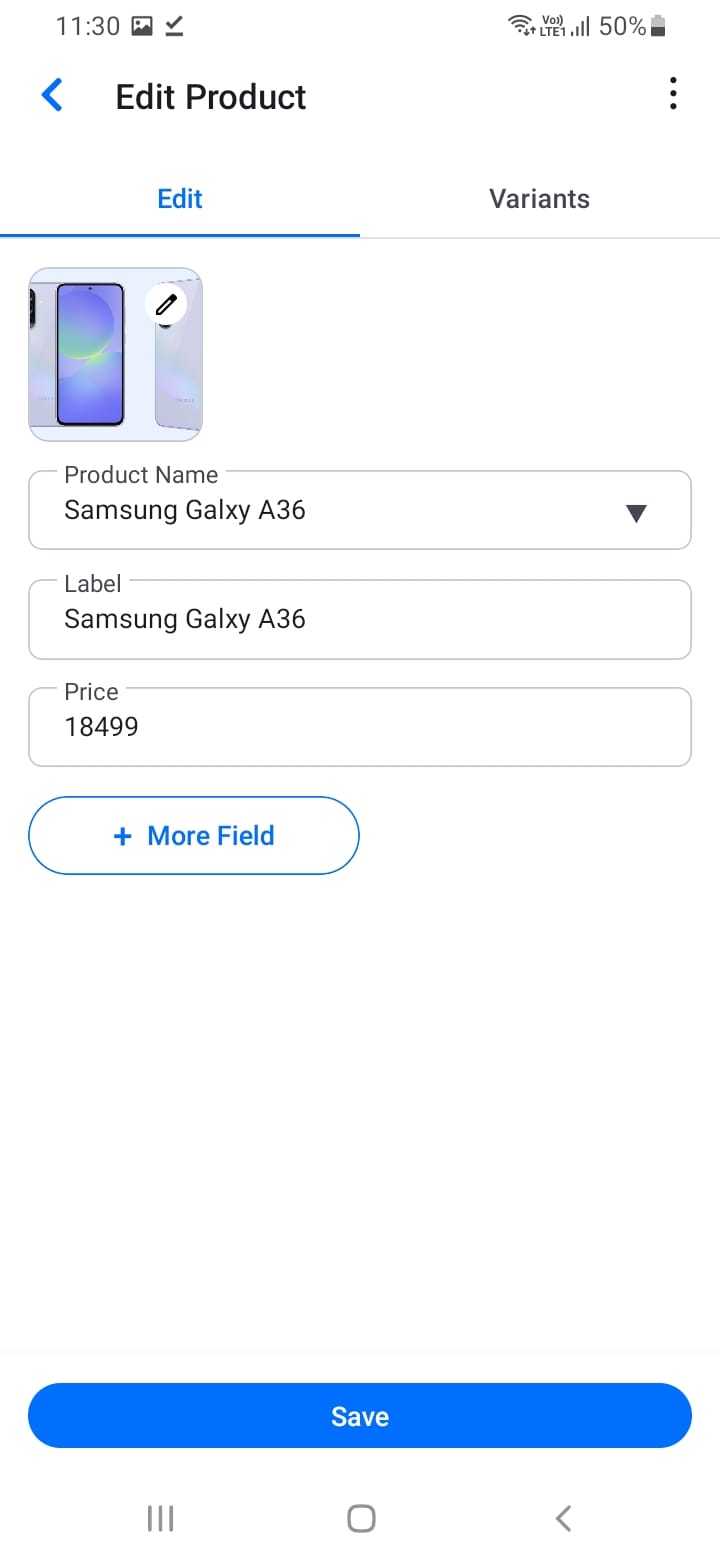
To edit a product:
- Navigate to the product in your catalog
- Tap the edit icon next to the product
- Modify any details (name, price, images, variants)
- Save your changes
Regularly updating product information, prices, and availability helps maintain an accurate catalog and improves customer experience.
[Screenshot: Edit product screen]