Importing Contacts
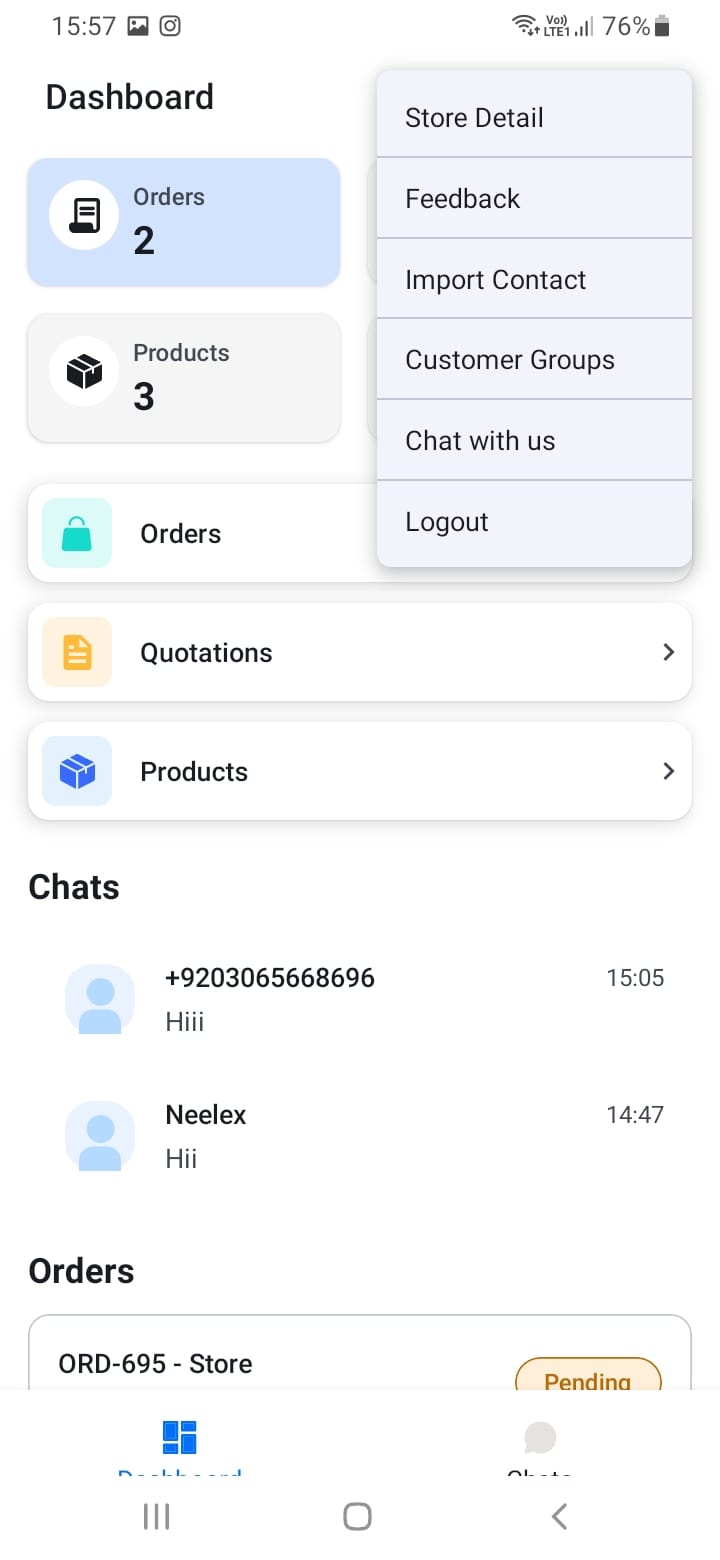
To import contacts from your phone:
- Open the menu (three dots or hamburger icon) from any screen
- Select \"Import Contacts\"
- Grant permission for the app to access your phone contacts
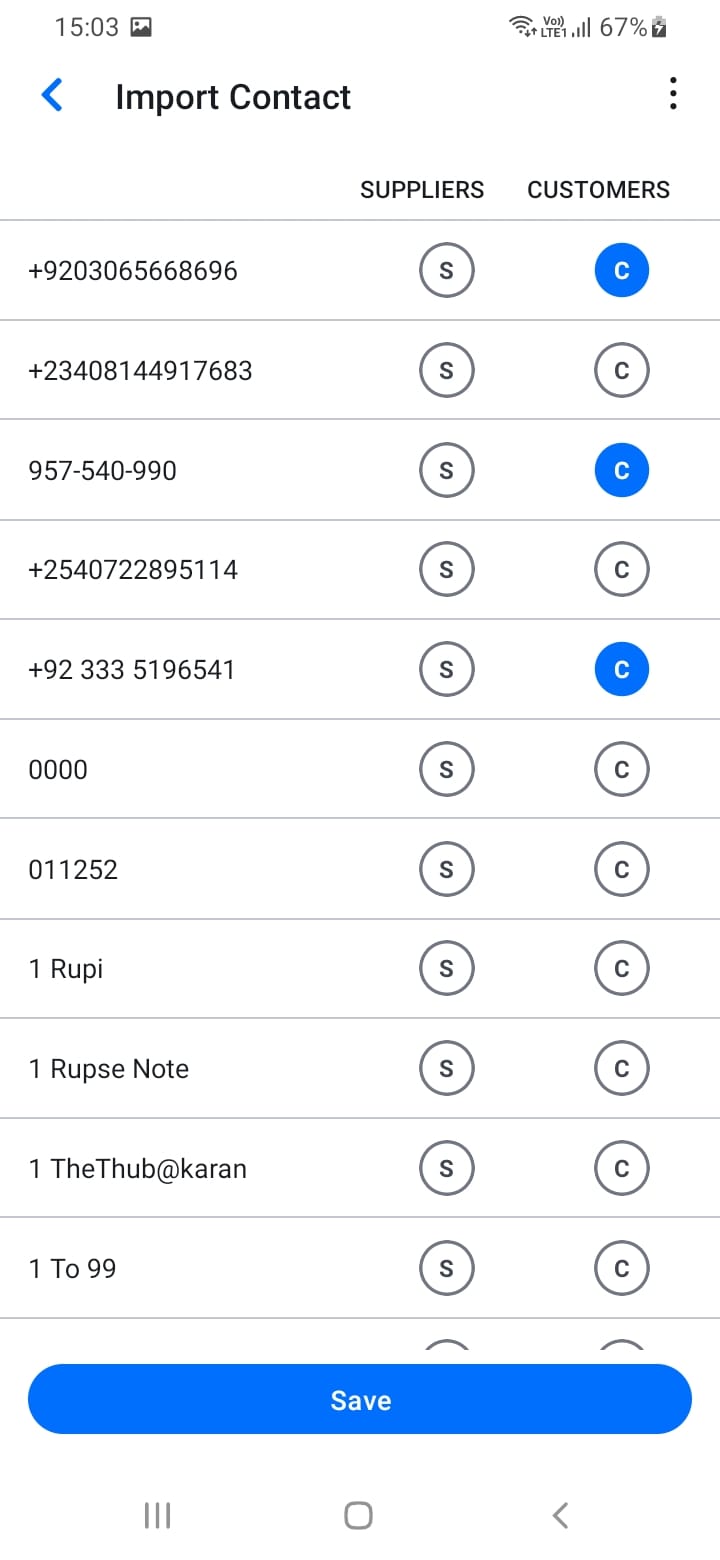
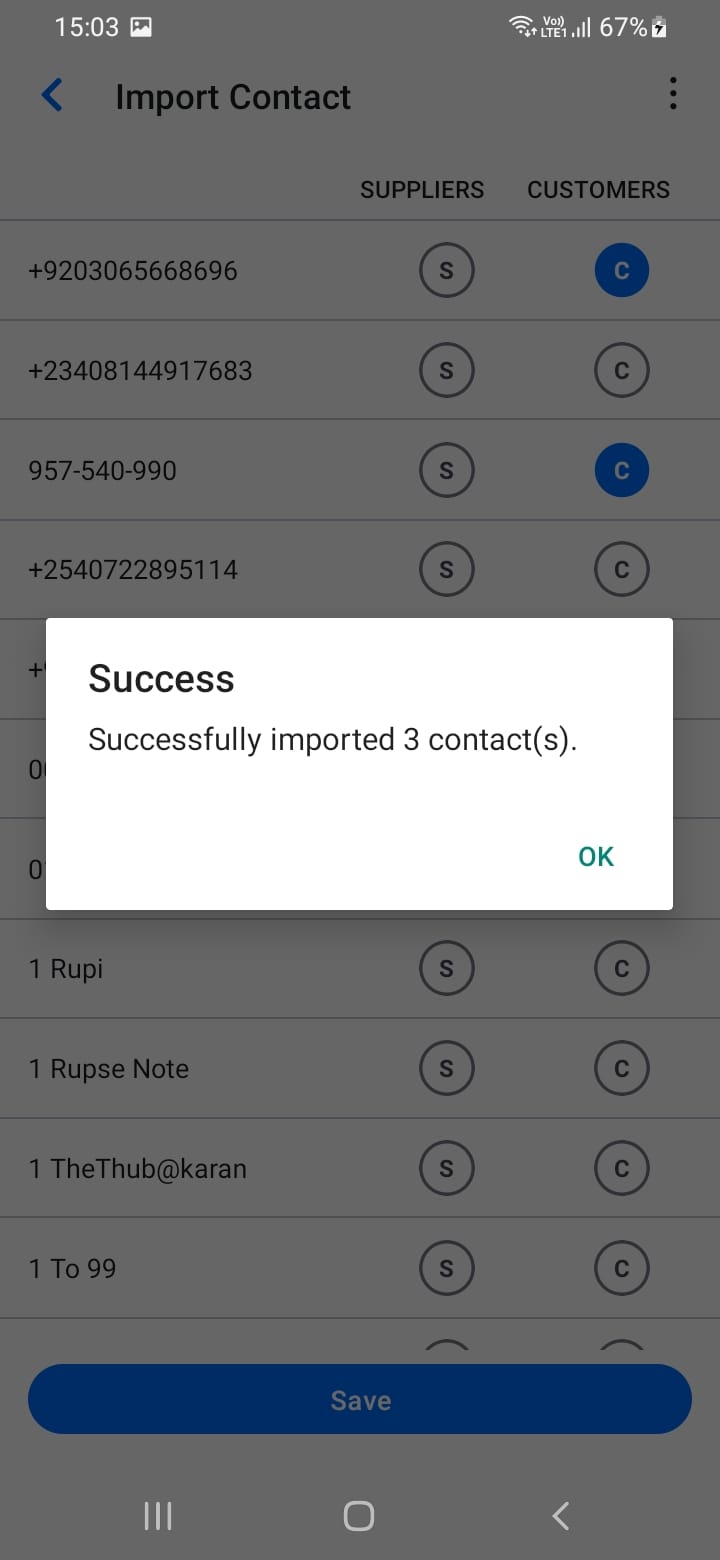
- The app will sync and identify which contacts have SupplyNet accounts
- Registered contacts (those with accounts) will be marked and available for chatting
Only contacts who have registered SupplyNet accounts can be used for creating chat channels and transactions. Keep your contacts list updated and import new contacts regularly.
[Screenshot: Import contacts screen]
[Screenshot: Contacts permission dialog]