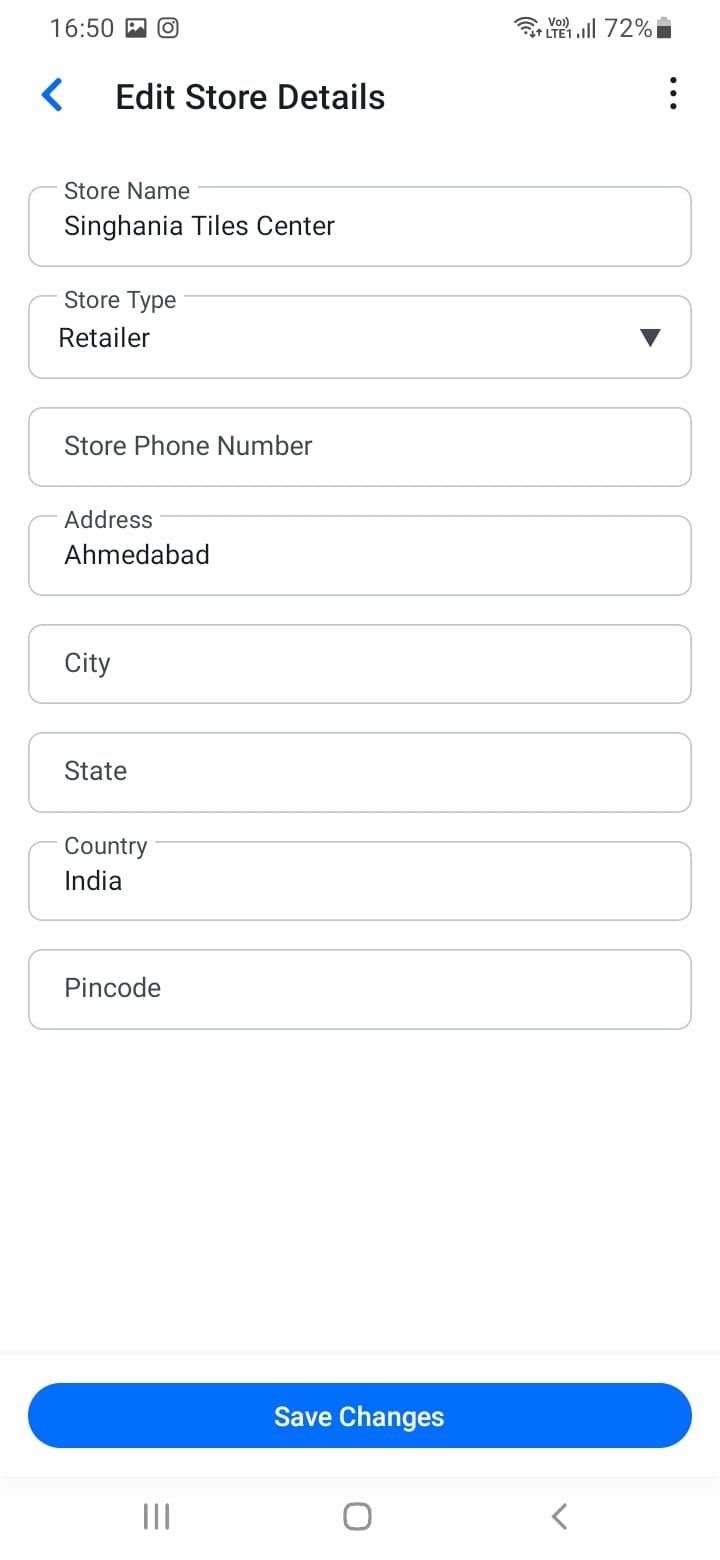
Editing Store Details
To update your store information:
- Navigate to Store Detail from the menu
- Tap the edit button
- Update any fields:
- Store name
- Address
- Contact information
- Business description
- Save your changes
If your phone number or email changes, update it in the store details. You may need to verify the new contact information, and you should notify your regular customers about the change.
[Screenshot: Edit store screen]