Starting a New Chat
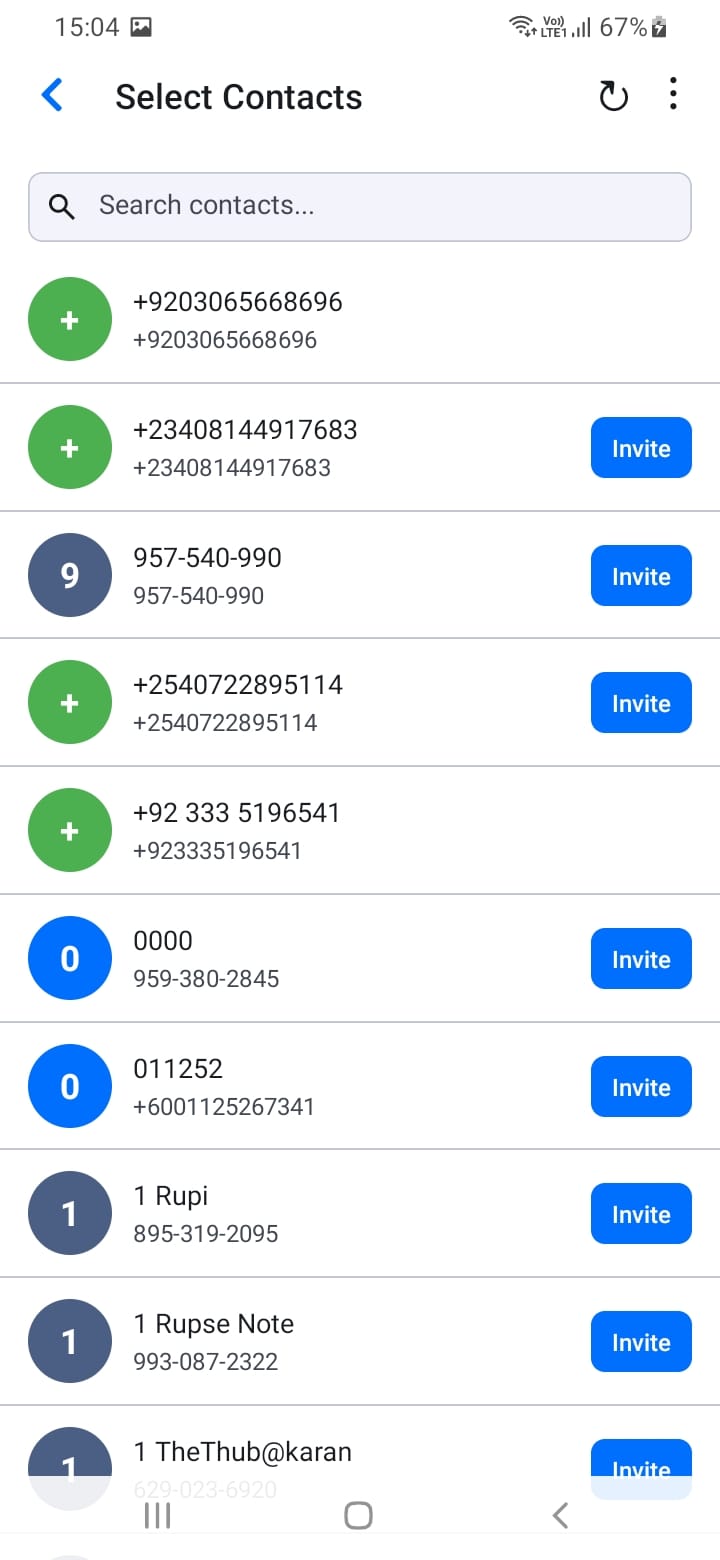
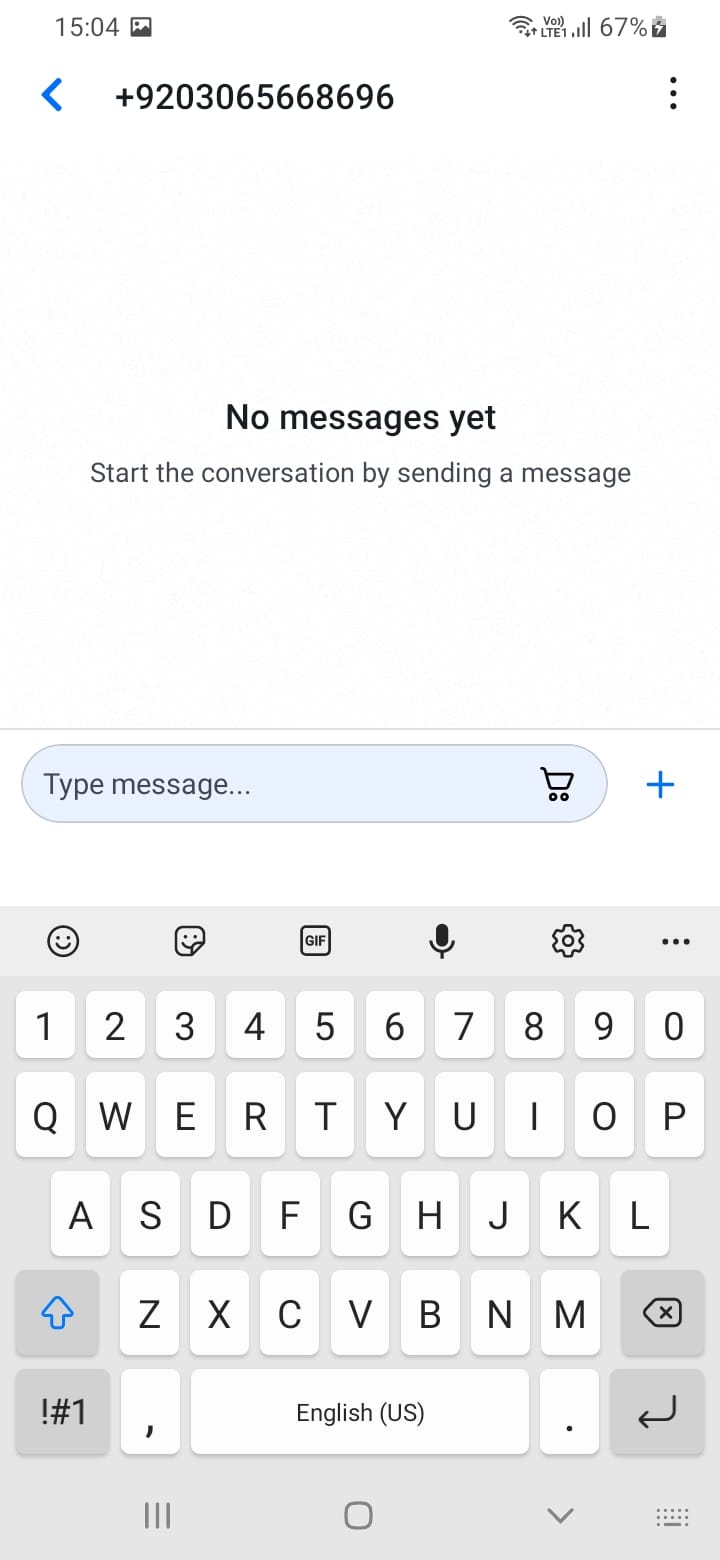
To start chatting with a customer:
- Go to Contacts (accessible from the menu)
- Browse your imported contacts or search for a specific contact
- Tap on a registered contact (contacts with a SupplyNet account)
- A chat channel will be created automatically, and you'll be taken to the conversation
You can also start a chat directly from a quotation (tap the chat icon), an order (tap the chat icon), or customer groups.
[Screenshot: Contacts screen]
[Screenshot: Starting chat from contact]