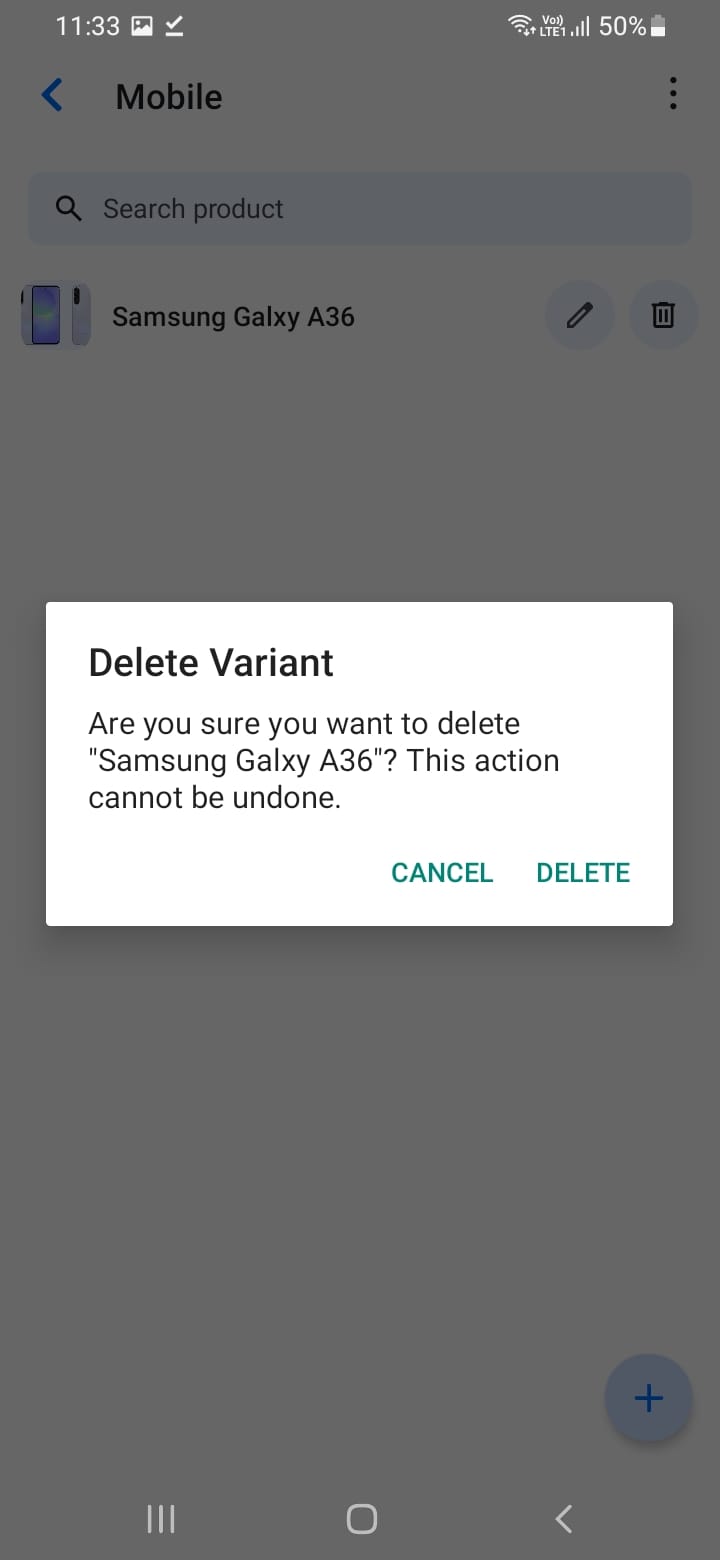
Deleting Products
To remove a product from your catalog:
- Find the product in your list
- Tap the delete icon
- Confirm the deletion
Note: Deleting a product is permanent and cannot be undone. Ensure the product is not part of any active orders or quotations before deleting. Instead of deleting, consider marking products as discontinued or unavailable.
[Screenshot: Delete confirmation dialog]