Converting Quotations to Orders
When a customer accepts a quotation:
- Open the quotation details
- Review all products, quantities, and pricing
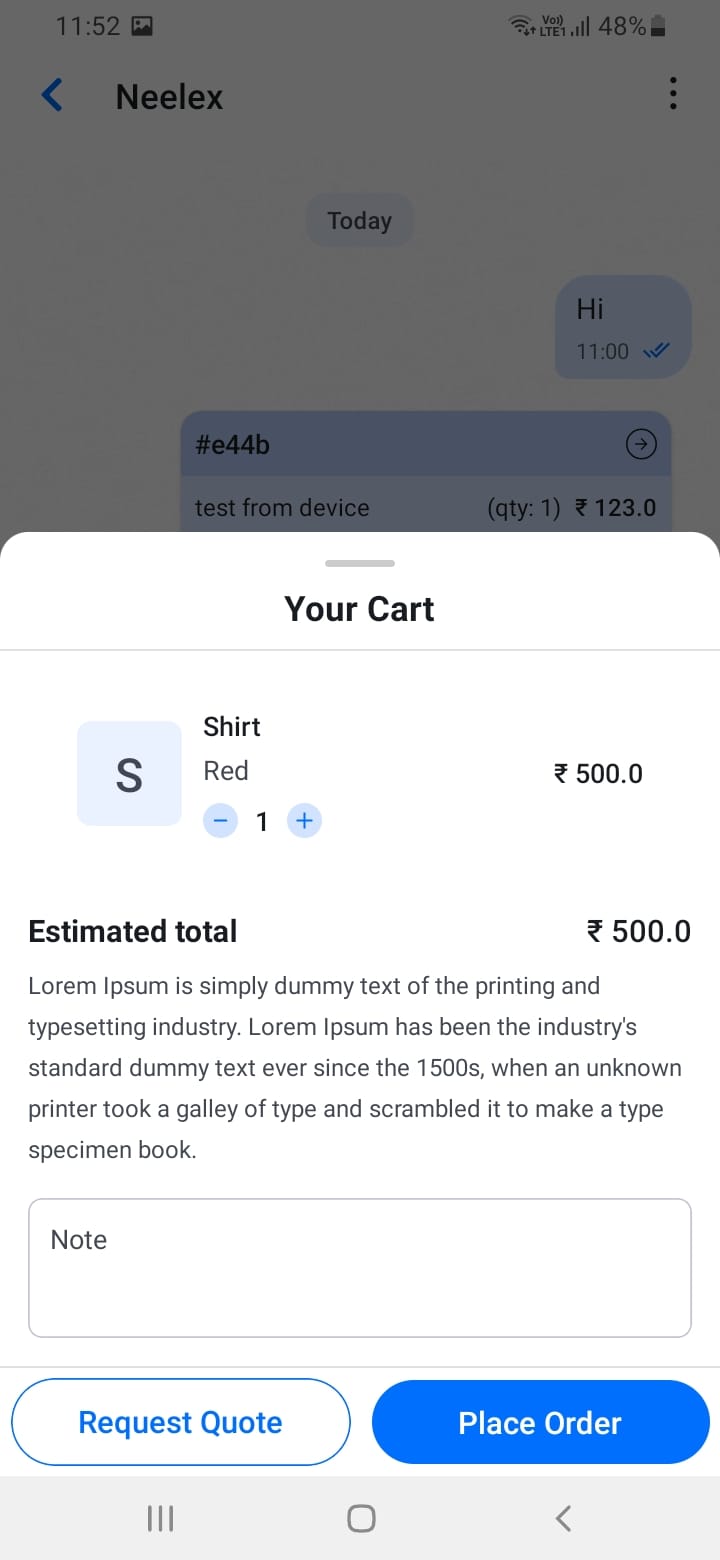
- Tap the \"Place Order\" or \"Convert to Order\" button
- Confirm the order creation
The system will automatically create an order with all quotation details, and the quotation status will update to \"Accepted\". Convert accepted quotations to orders promptly to maintain momentum.
[Screenshot: Convert quotation to order button]
[Screenshot: Convert quotation to order flow]