Creating Customer Groups
Customer groups allow you to organize customers and apply group-specific pricing, discounts, or surcharges.
To create a customer group:
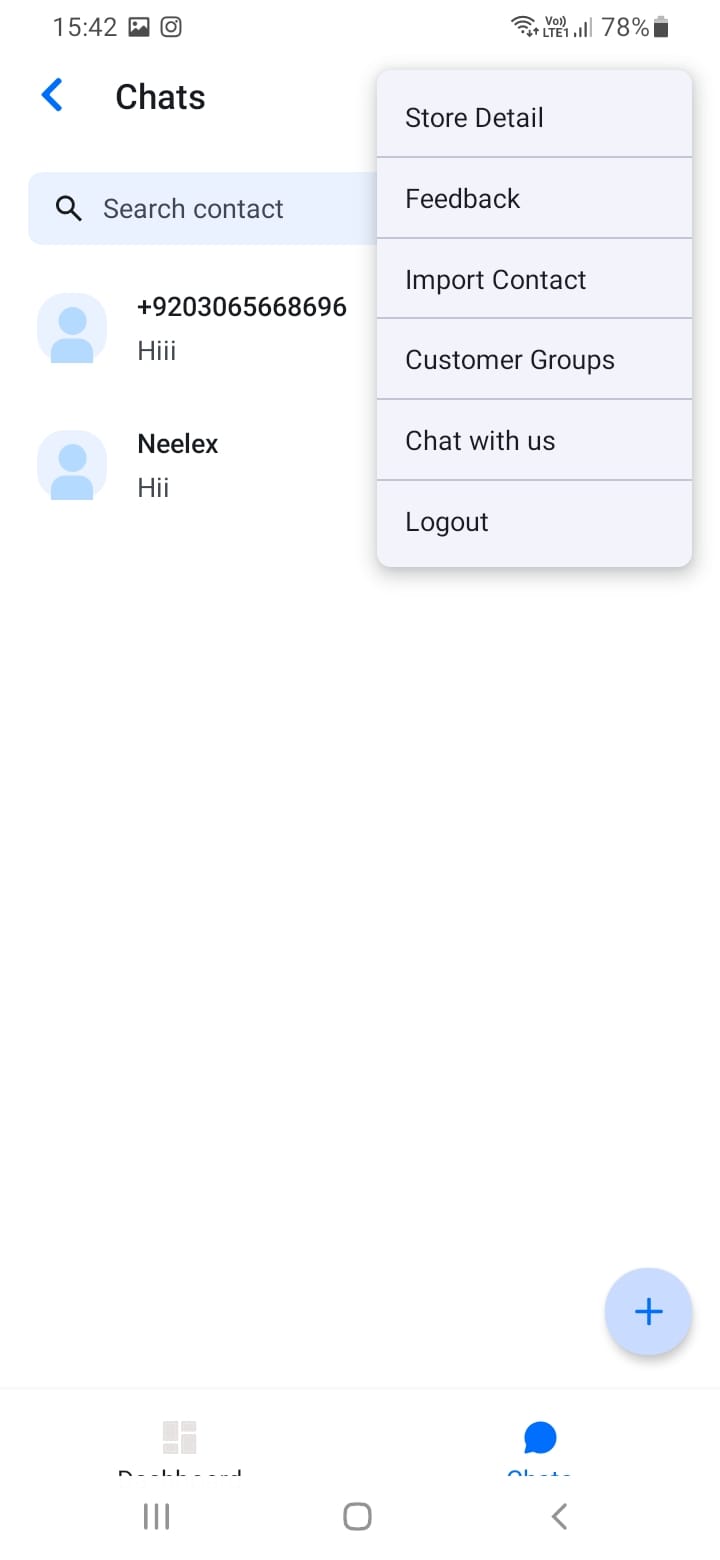
- Open the menu and select \"Customer Groups\"
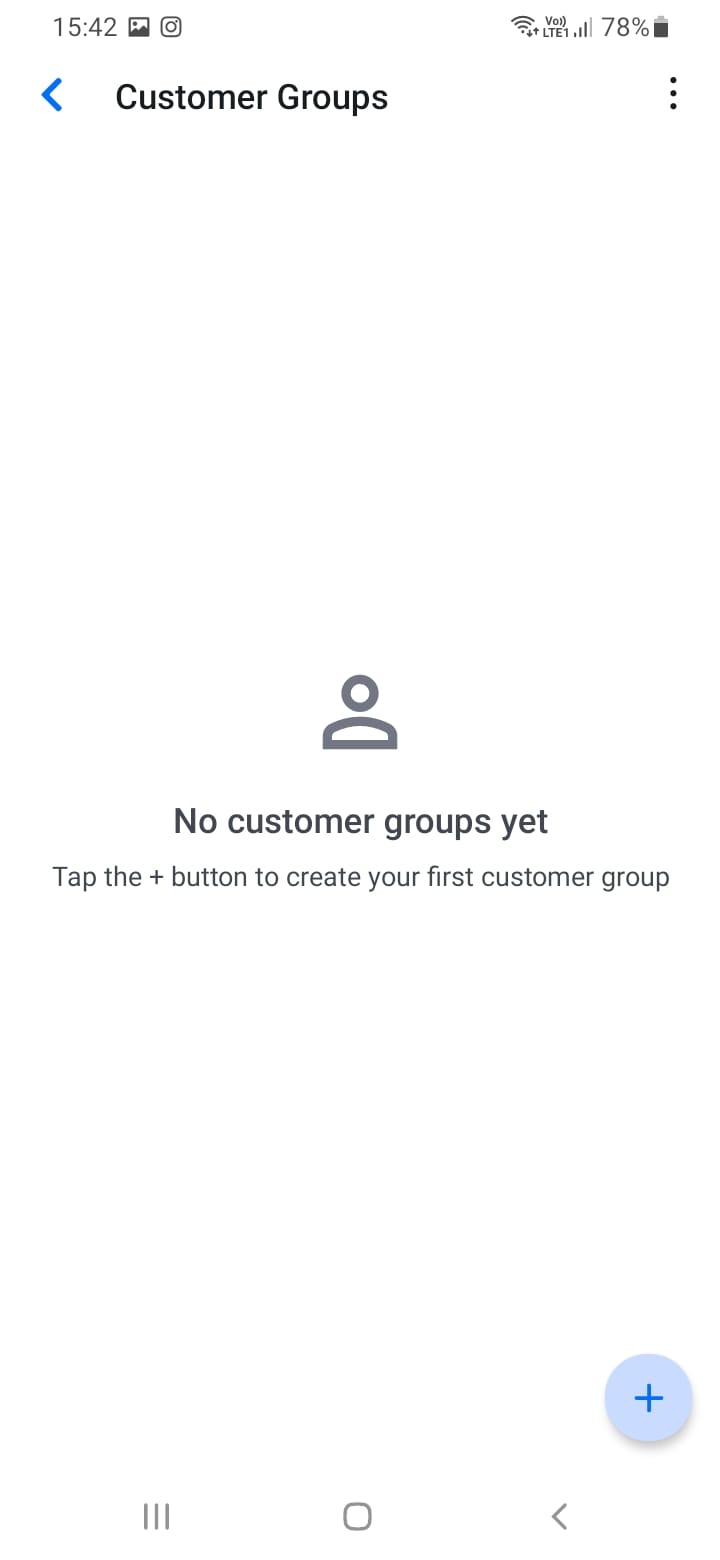
- Tap the add button (plus icon)
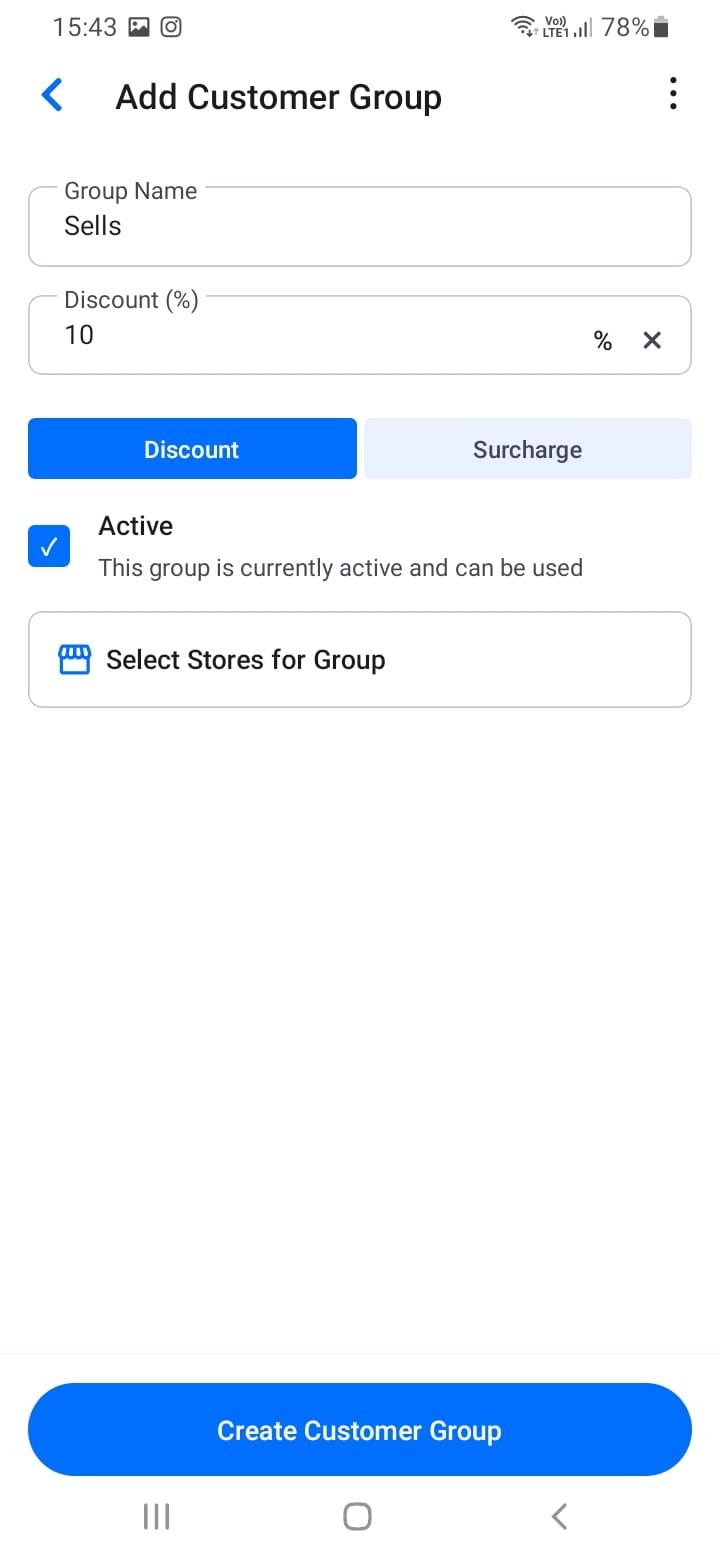
- Enter a group name (e.g., \"Premium Retailers\", \"Bulk Buyers\")
- Optionally add a description
- Select stores/customers to add to the group
- Set pricing rules (discount percentage or surcharge)
- Save the group
Customer groups help you organize customers by relationship type, purchase volume, or special terms.
[Screenshot: Create customer group screen]
[Screenshot: Add customers to group]