Navigation Basics
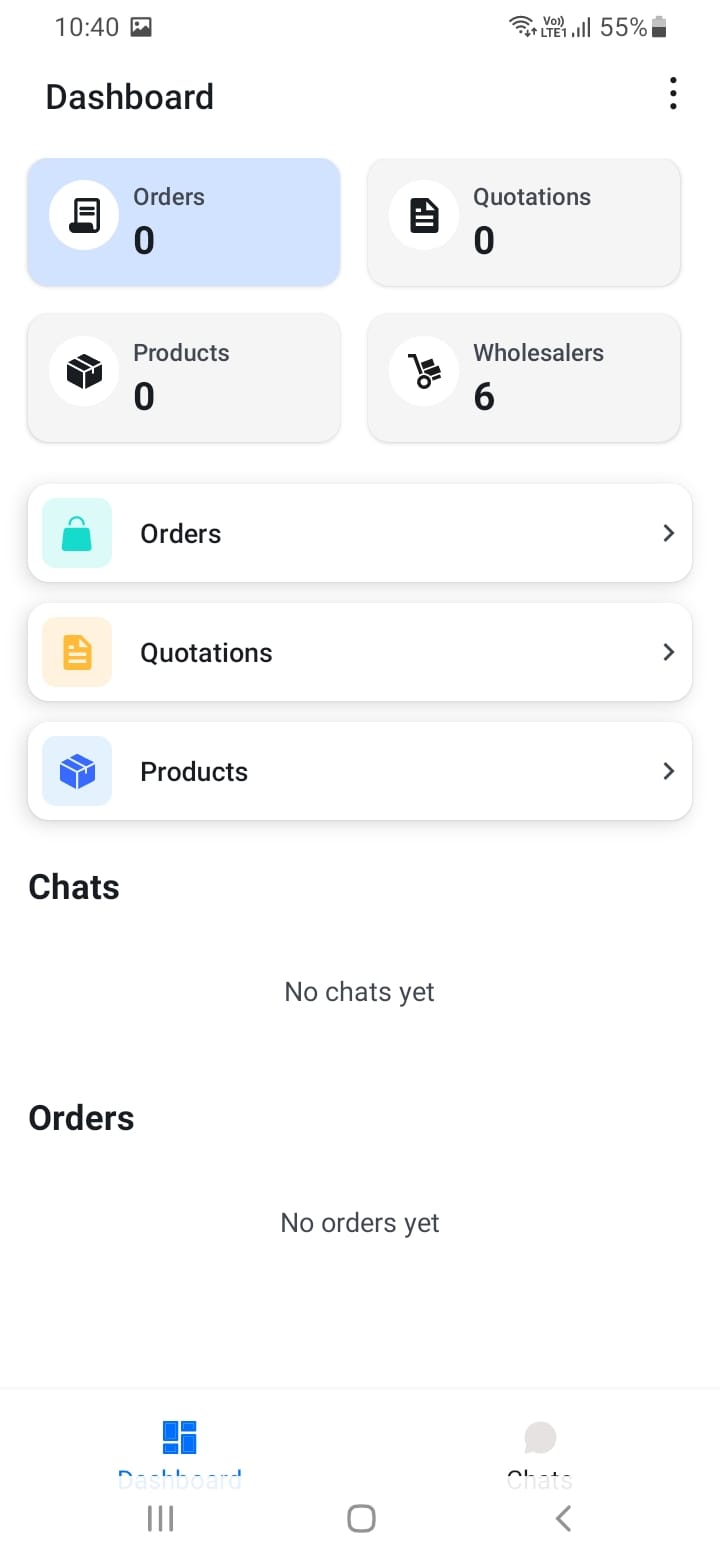
The app uses a bottom tab navigation system with four main sections:
- Dashboard: Your home screen showing key metrics and quick access to important features
- Chat: All your customer conversations and messaging
- Products: Your product catalog organized by categories
- Orders: View and manage all your orders
You can navigate between these sections by tapping the icons at the bottom of the screen. Additional screens can be accessed through buttons and links within each section.
[Screenshot: Bottom tab navigation bar]